Who Is the Skytech Azure Gaming PC 3 Built For?
Before diving into the component breakdown, it is worth being honest about what the Skytech Azure gaming PC 3 is and who it is designed to serve. This is an entry-level gaming desktop built around a 1080p gaming use case. Skytech explicitly lists 1080p Full HD resolution at 60 FPS and above as the performance target, and that framing is the most important context for evaluating whether this system makes sense for a particular buyer.
If you primarily play popular esports titles like Valorant, Counter-Strike 2, Fortnite, and Apex Legends where 1080p high settings at 100 FPS or more is the goal, this system is well-matched to that ambition. If you want to play the most demanding current-generation titles like Black Myth Wukong, Cyberpunk 2077, or Dragon’s Dogma 2 at 1440p with maximum ray tracing enabled, this system will require compromises in resolution or quality settings. Understanding this distinction helps set the right expectations before purchasing.
RTX 5060 in 2026
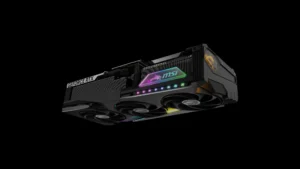
The NVIDIA GeForce RTX 5060 is the component that most defines the Skytech Azure gaming PC 3’s position in the market. As the most affordable Blackwell-generation GPU in NVIDIA’s desktop lineup, it brings current-generation architecture benefits including DLSS 4 support with Multi Frame Generation, hardware ray tracing acceleration, and GDDR7 memory to an accessible price point.
At 1080p, the RTX 5060 delivers smooth gaming across a very wide range of popular titles. Competitive games, less demanding AAA titles, and older favorites all run well at high or ultra settings at this resolution. The RTX 5060’s GDDR7 memory also provides meaningfully higher bandwidth than the GDDR6X in the previous generation RTX 4060, which benefits gaming scenarios where memory throughput is a bottleneck.
The honest caveat is the 8GB VRAM limitation. Independent hardware reviewers have consistently noted that 8GB of VRAM is becoming a constraint in some of the most demanding modern titles at higher quality settings and resolutions. At 1080p with standard settings, this limitation rarely surfaces in practice, but buyers who plan to upgrade their monitor to 1440p or who regularly play the most graphically intensive current-generation titles should understand that the 8GB ceiling can become visible in specific scenarios. For a system positioned explicitly at 1080p 60 FPS gaming, however, the RTX 5060 is an entirely appropriate GPU choice.
DLSS 4 with Multi Frame Generation is the RTX 5060’s most compelling feature advantage over AMD’s competing offerings at this tier. In supported titles, MFG can dramatically increase effective output frame rates beyond what native rendering achieves, making the gaming experience noticeably smoother particularly at higher quality settings where raw frame rates would otherwise be modest.
Ryzen 7 5700
The AMD Ryzen 7 5700 is the component that most clearly signals the Skytech Azure 3’s budget positioning. Built on the Zen 3 architecture from AMD’s Ryzen 5000 series generation, the 5700 is a capable eight-core, sixteen-thread processor that handles 1080p gaming and everyday computing tasks without issue. Its 4.6GHz turbo clock speed provides adequate single-threaded performance for gaming workloads where clock speed matters most.
The honest trade-off is that this is a previous-generation processor. AMD’s current Zen 5-based Ryzen 9000 series offers meaningful IPC improvements, and Intel’s current-generation offerings also outpace the Ryzen 7 5700 in both single and multi-threaded performance. For the use case this system is designed for, which is 1080p gaming paired with an RTX 5060, the Ryzen 7 5700 is not a bottleneck in the majority of gaming scenarios. Where the performance gap becomes more visible is in CPU-intensive productivity tasks like video rendering, compilation, and content creation, and in the small number of gaming titles that are highly CPU-dependent.
For buyers who primarily game and use their PC for everyday tasks like browsing, office applications, and streaming, the Ryzen 7 5700 provides a perfectly functional foundation. For buyers with ambitions toward content creation or streaming alongside gaming, stepping up to a system with a current-generation CPU would provide a more satisfying long-term experience.
32GB DDR4 and 1TB NVMe
The 32GB of DDR4 3200MHz RAM is one of the most buyer-friendly specifications in the Skytech Azure gaming PC 3. Many competing entry-level prebuilt systems include only 16GB as a cost-saving measure, and while 16GB is technically sufficient for 1080p gaming today, 32GB provides comfortable headroom for running games alongside a browser, Discord, streaming software, and other background applications without any memory pressure. This specification choice reflects Skytech’s understanding that modern gaming setups involve more than just the game itself.
The DDR4 standard rather than DDR5 is a concession to the Ryzen 7 5700’s platform, which does not support DDR5. For the Skytech Azure gaming PC 3’s intended use case, the performance difference between DDR4 and DDR5 in gaming is not practically significant, and the 32GB capacity compensates for the older memory standard in everyday use.
The 1TB NVMe M.2 SSD provides genuinely fast storage that makes a noticeable difference compared to traditional hard drives in game loading times, Windows responsiveness, and file operations. Skytech’s specification of up to 30 times faster than traditional HDD performance accurately describes the real-world experience improvement, and 1TB provides enough capacity for a meaningful game library of ten to fifteen modern titles before storage management becomes necessary.
Cooling, Case, and Build Quality
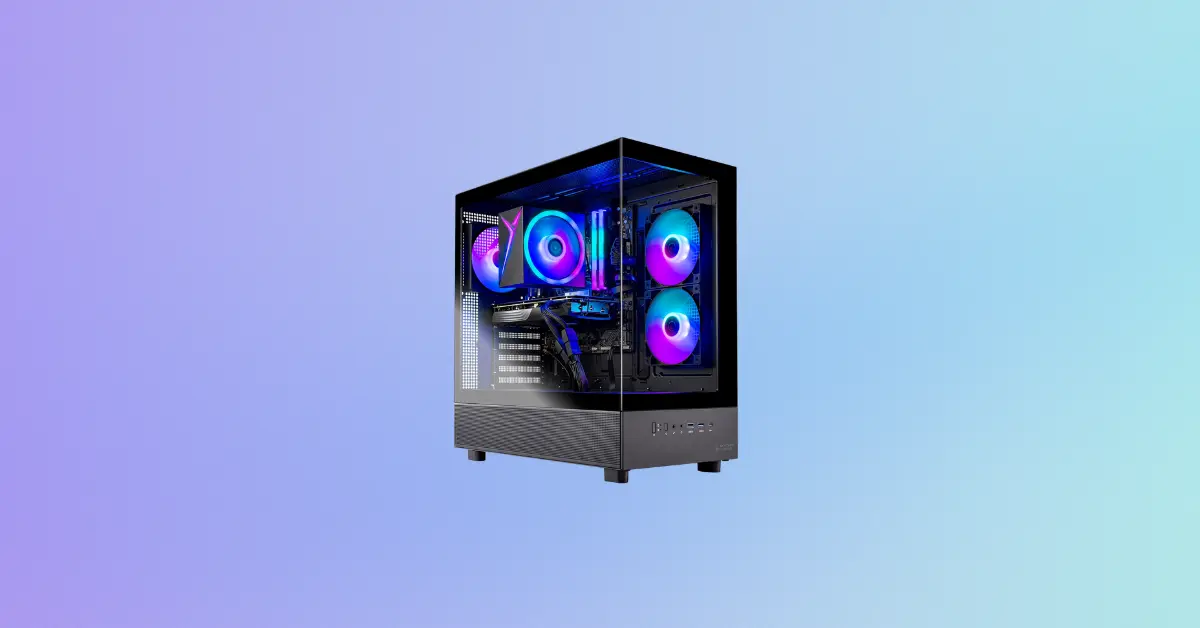
The Skytech Azure gaming PC 3 uses a high-performance air cooler with ARGB fans rather than the AIO liquid cooling found in Skytech’s higher-tier models like the Legacy 4. For the Ryzen 7 5700’s thermal output, a quality air cooler is entirely adequate and provides reliable, low-maintenance cooling without the pump, tubing, and radiator complexity of liquid cooling. The air cooler’s ARGB fans complement the tempered glass Azure case aesthetically while maintaining comfortable operating temperatures for the processor.
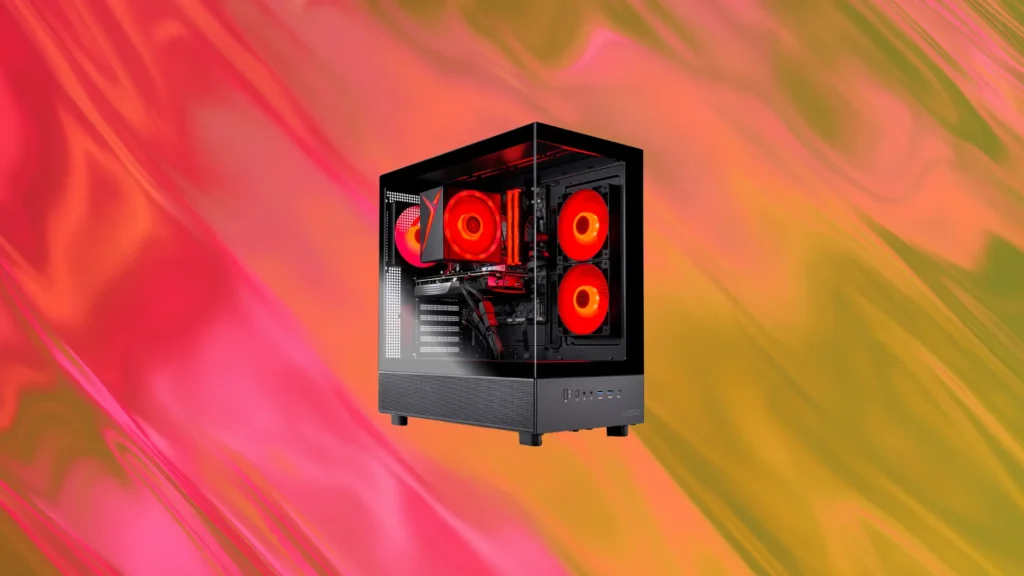
The Skytech Azure case with tempered glass in black is the same visually appealing chassis used across Skytech’s Azure lineup. The tempered glass side panel displays the internal components including the ARGB fan lighting, which creates an attractive desk presence that many competing budget prebuilts at similar prices cannot match aesthetically. The case design also provides adequate airflow for the installed components without requiring aftermarket fan upgrades.
The 650W Gold-rated power supply is appropriately sized for the RTX 5060 and Ryzen 7 5700 combination. Gold efficiency rating ensures less energy is wasted as heat during operation, and the 650W capacity provides comfortable headroom above the system’s actual power draw, which contributes to long-term PSU reliability.