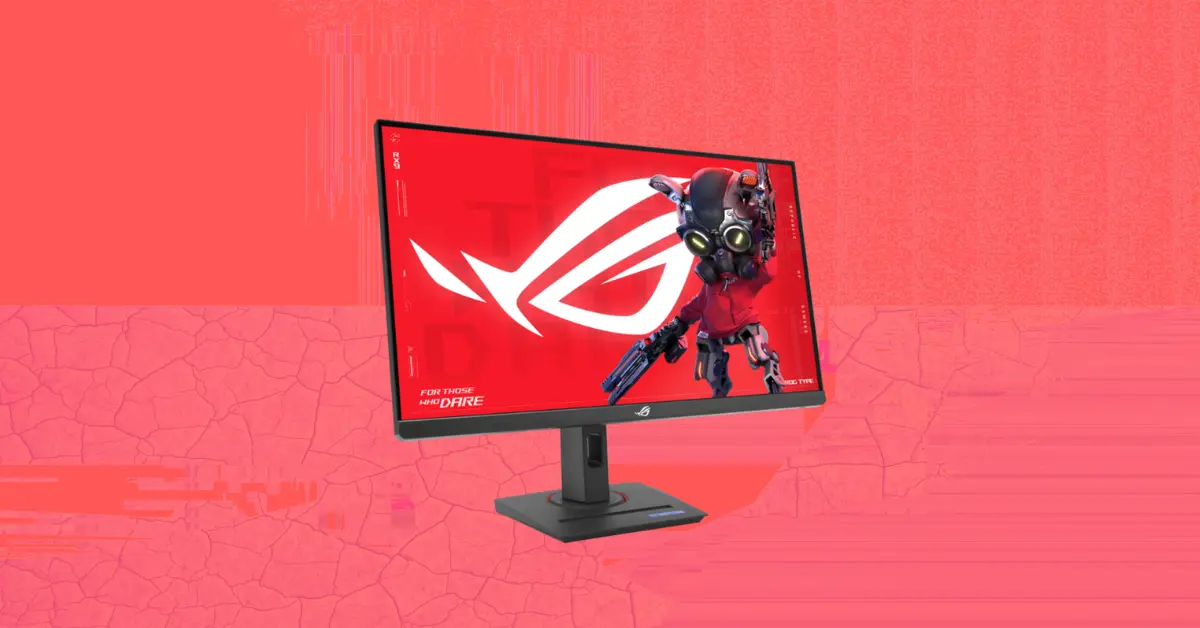
In this guide we have broken down the four best 1440p Gaming Monitor you can buy, drawing from comprehensive hands-on reviews published by Tom’s Hardware and IGN, so you can make a confident and informed purchase decision.
Why a 1440p OLED Gaming Monitor Is Worth It in 2026
The case for choosing a 1440p Gaming Monitor over a standard LCD in 2026 is straightforward. OLED panels eliminate the single most meaningful image quality limitation of LCD technology, which is contrast. Because each pixel in an OLED panel generates its own light and can turn off completely, blacks are genuinely black rather than dark grey, and the ratio between the darkest and brightest areas of any image becomes effectively infinite. No LCD technology, including the best Mini LED implementations, can match this fundamental advantage.
Best 1440p OLED Gaming Monitor in 2026
| Monitor | Panel Type | Refresh Rate | Response Time | Peak HDR Brightness | Best For |
|---|---|---|---|---|---|
| ASUS ROG Swift PG27AQDM | OLED | 240Hz | 0.03ms | 870+ nits | Best overall image quality |
| ASUS ROG Strix XG27ACDNG | QD-OLED 360Hz | 360Hz | 0.03ms | 1,000 nits | Best competitive gaming |
| ASUS ROG Strix XG27AQDMG | WOLED Glossy | 240Hz | 0.03ms | 1,098 nits | Best value with glossy panel |
| AOC Q27G4ZD | QD-OLED | 240Hz | 0.03ms | 250 nits SDR | Best budget OLED entry point |
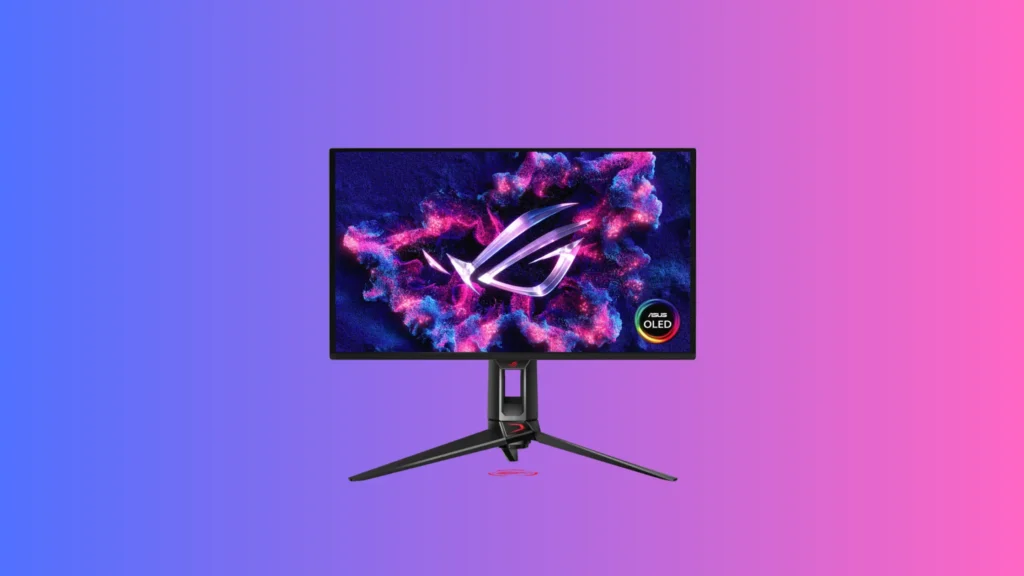
ASUS ROG Swift PG27AQDM
Specs at a Glance
| Specification | Detail |
|---|---|
| Panel Type | OLED (AU Optronics) |
| Screen Size | 26.5 inches |
| Resolution | 2560×1440 QHD |
| Refresh Rate | 240Hz |
| Response Time | 0.03ms GTG |
| HDR Brightness | 800 nits HDR rated, 870+ nits measured |
| SDR Brightness | 300 nits |
| Contrast | Infinite |
| Color Gamut | 97% DCI-P3 |
| Video Inputs | 1x DisplayPort 1.4, 2x HDMI 2.0 |
| USB | 1x upstream, 2x downstream USB 3.0 |
| Audio | 3.5mm headphone output |
| G-Sync Compatible | Yes |
| FreeSync Range | 40 to 240Hz |
| Warranty | 3 years |
Reasons to Buy
- Tom's Hardware calls it the best image they have ever seen on a flat panel display
- Factory calibrated out of the box with near-perfect color accuracy requiring no adjustments
- 97% DCI-P3 color coverage delivers rich, saturated, and accurate color across all content types
- 0.03ms response time matches or exceeds the total lag time of typical 360Hz LCD screens
- Infinite contrast with genuine pitch-black levels adds depth and realism to every type of content
- Comprehensive burn-in protection features including pixel orbiter, cleaner, and logo brightness adjustment
- Full ergonomic stand with 110mm height, 30-degree swivel, portrait mode, and webcam thread mount
- ROG GamePlus features including aiming points, frame counter, timers, and sniper magnification mode
Reasons to Avoid
- Premium pricing compared to the budget OLED options on this list
- No internal speakers requiring a separate audio solution
- HDMI inputs are version 2.0 rather than 2.1, limiting consoles to 144Hz
An OLED Panel That Sets Its Own Standard
Factory Calibration That Actually Delivers
Gaming Performance That Competes With 360Hz Screens
The practical gaming benefit of this response speed is substantial. Tom’s Hardware described aiming, defensive movements, and general in-game control as feeling like natural extensions of physical intention, with the display responding so precisely that the monitor effectively disappears as a consideration during play. For competitive gaming specifically, this level of responsiveness provides a genuine performance advantage over slower displays.
| Gaming Benchmark | PG27AQDM Result |
|---|---|
| Input lag comparison | Matches typical 360Hz screen total lag |
| Motion resolution at 240fps | Better than 240Hz QHD LCD panels |
| Blur in fast motion | None observed without overdrive needed |
| Competitive gaming suitability | Qualified for professional competition |
Who Should Buy the ASUS ROG Swift PG27AQDM
Best for: Enthusiast gamers, content creators, and display quality-focused buyers who want the highest possible image fidelity in a 1440p OLED gaming monitor.
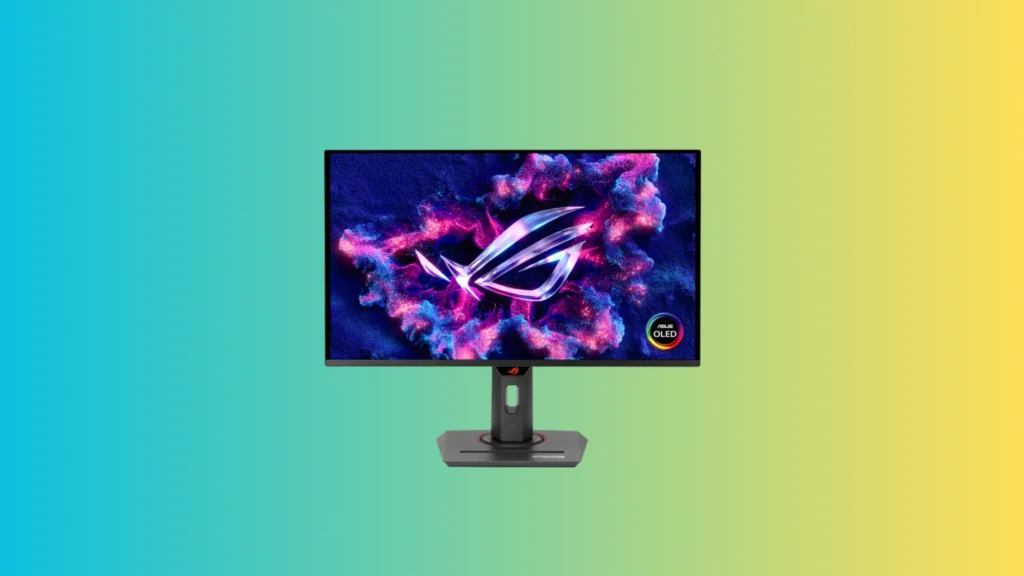
ASUS ROG Strix XG27ACDNG
Specs at a Glance
| Specification | Detail |
|---|---|
| Panel Type | QD-OLED (Quantum Dot OLED) |
| Screen Size | 27 inches |
| Resolution | 2560×1440 QHD |
| Refresh Rate | 360Hz |
| Response Time | 0.03ms GTG |
| HDR Brightness | 1,000 nits 3% window measured |
| SDR Brightness | 260 nits full field |
| Color Gamut | 111% DCI-P3 |
| Video Inputs | 1x DisplayPort 1.4, 2x HDMI 2.1, 1x USB-C |
| USB | 1x upstream, 3x downstream USB 3.2 |
| KVM | Yes |
| Warranty | 3 years |
Reasons to Buy
- Tom's Hardware confirms the XG27ACDNG is pretty much flawless for gaming, video, and productivity
- 360Hz refresh rate places it at the leading edge of competitive gaming display technology
- QD-OLED technology delivers over 111% DCI-P3 color coverage, the highest measured by Tom's Hardware
- Factory calibration is so precise that independent testing could make no measurable improvement
- HDMI 2.1 inputs support full 4K 120Hz from consoles in addition to QHD 360Hz PC gaming
- KVM functionality enables control of multiple systems from a single keyboard and mouse setup
- USB-C video input adds versatility for laptops and creative workstations
- Quarter-inch threaded mount at top of stand for webcam or microphone attachment
Reasons to Avoid
- ELMB blur reduction is limited to 180Hz and reduces brightness significantly, making it largely unnecessary
- Switching between HDR modes or enabling OLED Flicker compensation can reset HDR signal requiring in-game adjustment
- Glossy outer layer requires avoiding direct sunlight or strongly backlit environments
The Fastest OLED Technology Available
The Widest Gamut Measured
Factory Accuracy That Needs No Calibration
Like the PG27AQDM, the XG27ACDNG ships with individual calibration documentation and delivers genuinely reference-level accuracy out of the box. Tom’s Hardware’s independent calibration attempt could make no measurable improvement to the already precise factory state, confirming that Asus’s per-unit calibration process is legitimate rather than a marketing claim. Every measured parameter including gamma, color temperature, and gamut tracking was essentially at reference level without any buyer intervention required.
| Color Accuracy Metric | XG27ACDNG Out of Box Result |
|---|---|
| DCI-P3 coverage | 111% |
| Factory calibration quality | No measurable improvement possible |
| Gamma accuracy | Reference level |
| Color temperature | Reference level |
| HDR mode accuracy | Very close to standard in TrueBlack mode |
Best for: Competitive esports players, professional gamers, and enthusiasts who want the fastest OLED refresh rate combined with reference-level color accuracy and comprehensive connectivity including KVM and HDMI 2.1.
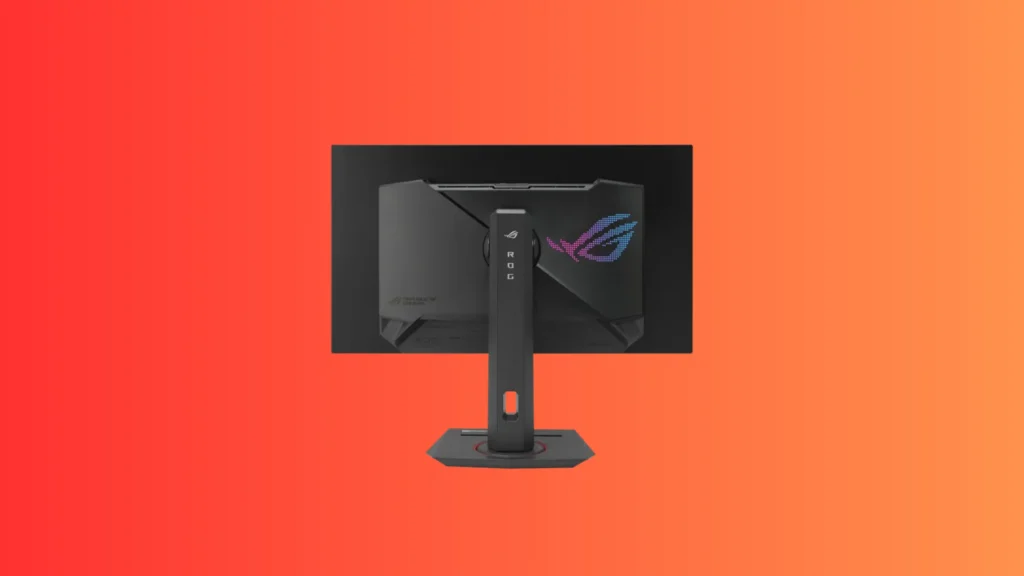
ASUS ROG Strix XG27AQDMG
Specs at a Glance
| Specification | Detail |
|---|---|
| Panel Type | WOLED (White OLED), Glossy |
| Screen Size | 27 inches |
| Resolution | 2560×1440 QHD |
| Refresh Rate | 240Hz |
| Response Time | 0.03ms |
| Peak HDR Brightness | 1,098 nits measured (2% window) |
| SDR Brightness | 258 nits measured |
| Sustained HDR (10% window) | 748 nits measured |
| Color Gamut | 98% DCI-P3 |
| Video Inputs | 1x DisplayPort 1.4, 2x HDMI 2.0 |
| USB | 2x USB 3.2 Type-A, 1x USB Type-B upstream |
| Burn-in Warranty | 3 years |
| Warranty | 3 years |
Reasons to Buy
- World's first WOLED gaming monitor with a glossy panel, delivering best-in-class contrast for WOLED technology
- IGN confirms it is one of the best OLED gaming monitors for the price with best-in-class picture quality
- 1,098 nits measured peak HDR brightness exceeds the more expensive Asus QD-OLED sibling in testing
- WOLED technology offers better longevity and burn-in resistance compared to QD-OLED panels
- Full suite of OLED protection features including pixel shift, pixel cleaning, screen dimming, and logo protection
- Three-year warranty with explicit burn-in coverage provides long-term ownership peace of mind
- Clean and understated rear design with dot matrix ROG logo LED illumination
- Quarter-inch insert on stand top enables camera or ring light attachment
Reasons to Avoid
- Out-of-box color accuracy is noticeably worse than competing QD-OLED panels and requires calibration for creative work
- ELMB blur reduction feature introduces screen glitches and is essentially unusable in practice
- OLED Anti-Flicker feature at any setting limits VRR range and disables Low Framerate Compensation
- No USB-C video input or KVM functionality unlike the more expensive XG27ACDNG
WOLED vs QD-OLED
The Glossy Panel Advantage
The Features to Avoid
Best for: Gamers who want WOLED technology’s superior burn-in resistance combined with the unique visual advantage of a glossy panel, and who prioritize longevity and burn-in protection as part of their purchasing decision.
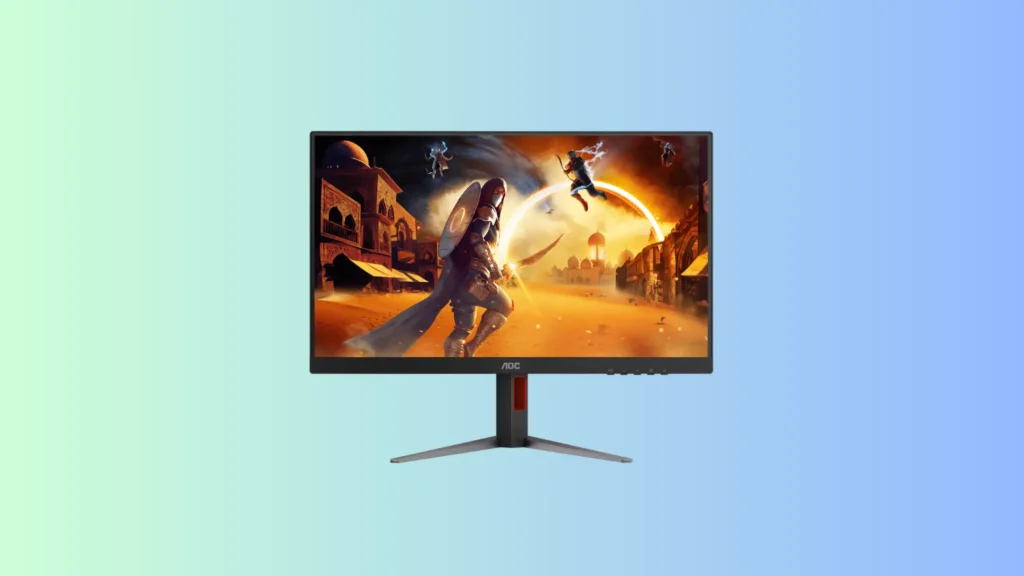
AOC Q27G4ZD
Specs at a Glance
| Specification | Detail |
|---|---|
| Panel Type | QD-OLED (Quantum Dot OLED) |
| Screen Size | 27 inches |
| Resolution | 2560×1440 QHD |
| Refresh Rate | 240Hz |
| Response Time | 0.03ms GTG |
| SDR Brightness | 250 nits rated |
| Color Gamut | 108% DCI-P3 |
| Video Inputs | 1x DisplayPort 1.4, 2x HDMI 2.0 |
| USB | 1x upstream, 4x downstream USB 3.2 (including 2 side-mounted) |
| G-Sync Compatible | Yes |
| FreeSync | Yes |
| Burn-in Protection | 8 different OLED protection settings |
| Warranty | 3 years |
Reasons to Buy
- Tom's Hardware confirms it as one of the best values in the OLED monitor category
- QD-OLED panel covers over 108% DCI-P3 delivering vivid, saturated color at a budget-leading price
- Four USB ports including two conveniently placed on the right side panel for easy peripheral access
- Priced approximately one hundred dollars below the closest competing OLED monitors
- Near-perfect factory calibration confirmed by Tom's Hardware with minimal tweaking required
- Full gaming feature suite including aiming crosshairs, sniper scope with three magnification levels, and frame counter
- Solid adjustable stand with 5.1 inches height, 30-degree swivel, tilt, and portrait mode
- Eight OLED protection settings available for comprehensive burn-in prevention management
Reasons to Avoid
- No variable brightness option means less dramatic HDR highlight impact compared to competing monitors
- HDR red saturation is slightly undersaturated in independent testing, a potential firmware-fixable limitation
- HDMI 2.0 inputs rather than 2.1 limits console connectivity to 144Hz rather than 4K 120Hz
- No internal speakers, no LED lighting, and less visual personality than competing ROG-branded alternatives
QD-OLED at a Price That Starts With a Four
What the Q27G4ZD Trades for Its Price
Four USB Ports Including Side-Mounted Convenience
One practical feature of the Q27G4ZD that Tom’s Hardware highlighted as unusual for a budget display is its four USB downstream ports, with two mounted on the right side of the panel for easy access without reaching behind the monitor. For gamers who regularly connect and disconnect peripherals like USB storage drives, controllers, or mobile devices, this side-mounted USB placement is a genuinely practical convenience that many more expensive monitors do not include.
| Feature | Q27G4ZD vs Competing Budget Displays |
|---|---|
| OLED panel technology | Yes, full QD-OLED |
| Color gamut | 108% DCI-P3 |
| USB ports | 4 total, 2 side-mounted |
| Gaming features | Full suite including sniper scope |
| Variable brightness | Not included |
| LED lighting | Not included |
Best for: Budget-focused buyers making their first OLED gaming monitor purchase, gamers who want genuine QD-OLED image quality and response time at the lowest possible entry price, and users who value practical USB port access alongside display quality.
Which Is the Best 1440p Gaming Monitor With OLED?
With four outstanding OLED 1440p Gaming Monitor covering every price point and performance priority, the right choice depends entirely on what you value most in your gaming display and how much you want to invest.
| Your Priority | Best Monitor |
|---|---|
| Absolute best image quality | ASUS ROG Swift PG27AQDM |
| Fastest competitive gaming performance | ASUS ROG Strix XG27ACDNG |
| Best WOLED with glossy panel and burn-in protection | ASUS ROG Strix XG27AQDMG |
| Best budget OLED entry point | AOC Q27G4ZD |
For most buyers who want the single best all-round OLED 1440p Gaming Monitor that delivers reference-level image quality, competitive gaming speed, and long-term reliability, the ASUS ROG Swift PG27AQDM remains the gold standard recommendation. Tom’s Hardware’s assessment that it delivers the best image they have ever seen on a flat panel display is a powerful endorsement that reflects real-world testing rather than specification comparison, and the factory calibration accuracy means every buyer receives the same exceptional experience without any setup effort.
For competitive gamers specifically, the ASUS ROG Strix XG27ACDNG’s 360Hz QD-OLED panel and HDMI 2.1 connectivity justify the step up in price with capabilities that matter directly to competitive play. For buyers who want maximum burn-in peace of mind alongside excellent image quality, the WOLED technology and three-year burn-in warranty of the XG27AQDMG makes it the most responsible long-term choice. And for anyone entering the OLED gaming monitor category for the first time on a tighter budget, the AOC Q27G4ZD delivers genuine QD-OLED performance at a price that removes the most significant barrier to ownership.
For the most current benchmark data and detailed technical analysis on these 1440p Gaming Monitor, both Tom’s Hardware’s monitor review coverage and the AOC Q27G4ZD review are highly recommended reading before making your final purchasing decision. Don’t forget to check out our recommendation for Best 4k 144hz Gaming Monitors you can find.