Whether you are a competitive player who wants clean positional audio, a music enthusiast who games and refuses to compromise on sound quality, or someone building a versatile desk setup that needs to work equally well for gaming, streaming, and everyday listening, the right computer speakers for gaming can transform how you experience your PC. In this guide we have broken down five of the best options available today, drawing from hands-on reviews by PCMag, Tom’s Hardware, What Hi-Fi, and CNET.
Why Dedicated Computer Speakers for Gaming Make a Real Difference
Dedicated computer speakers for gaming restore what those built-in solutions strip away, giving environmental sounds the spatial presence they deserve, letting music soundtracks breathe with proper bass and treble extension, and making voice communication clearer and more natural during multiplayer sessions.
Best Computer Speakers for Gaming in 2026
| Speakers | Type | Power | Connectivity | Best For |
|---|---|---|---|---|
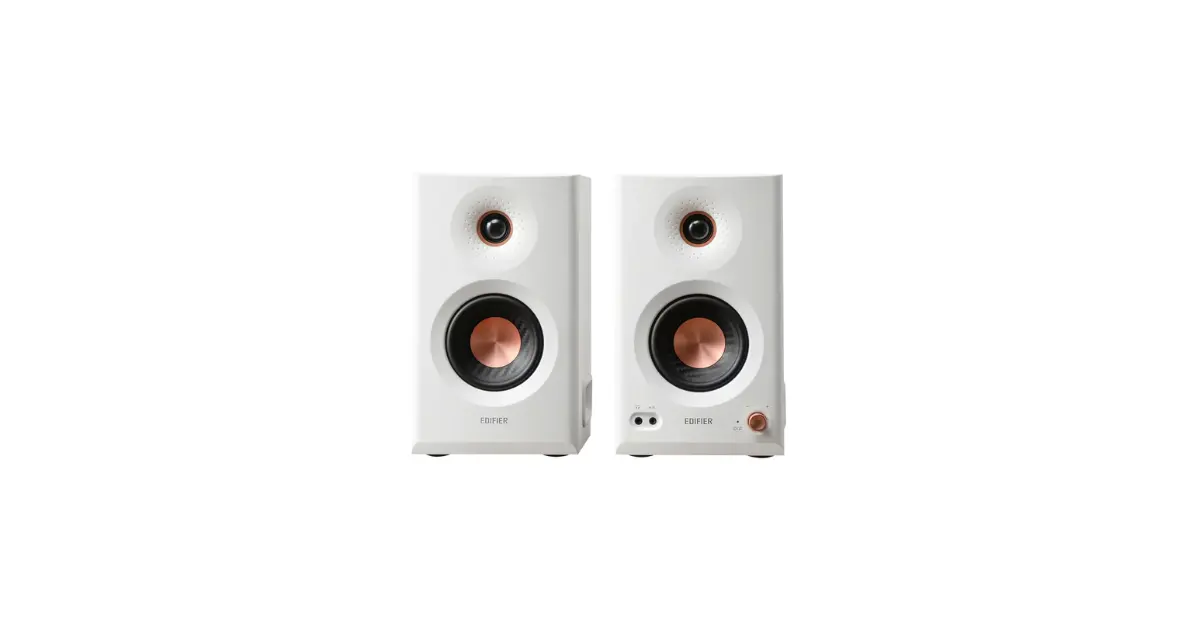
| Edifier MR5 | 2.0 three-way | 110W total | XLR, TRS, RCA, 3.5mm, Bluetooth 6.0 | Best overall audio quality |
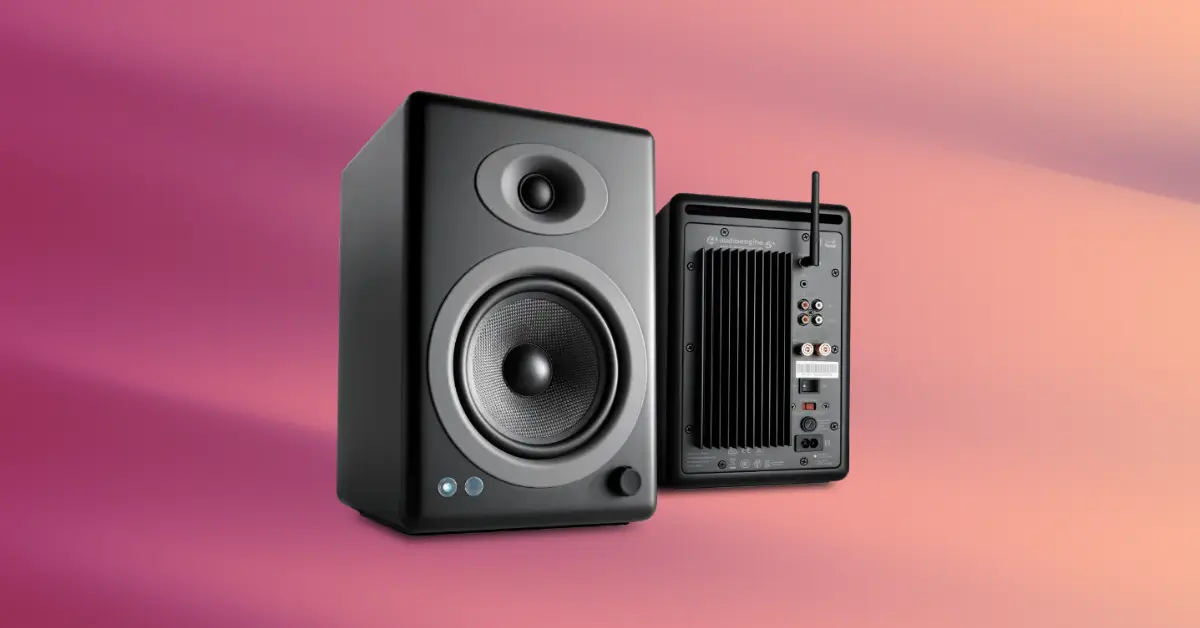
| Audioengine A5+ | 2.0 bookshelf | 50W per channel | RCA, 3.5mm, subwoofer out | Best audiophile desktop audio |
| Razer Nommo V2 Pro | 2.1 with wireless sub | Not specified | USB-C, Bluetooth 5.3 | Best gaming-focused immersion |
| JBL 104-BT | 2.0 studio monitor | 60W total | RCA, TRS, 3.5mm, Bluetooth 5.0 | Best value versatile option |
| Logitech Z407 | 2.1 with subwoofer | 40W total | 3.5mm, USB, Bluetooth 5.0 | Best budget entry level |
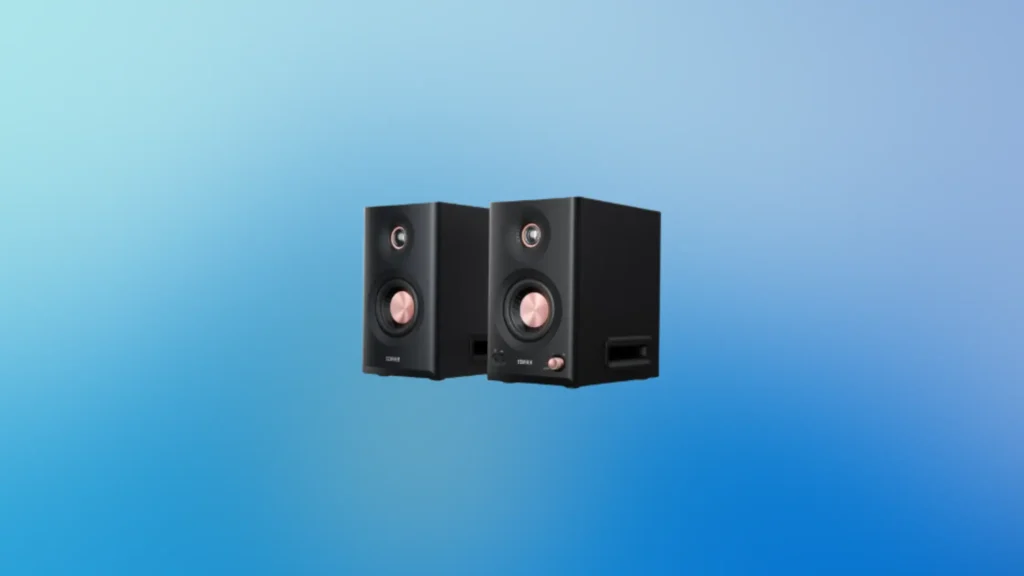
Edifier MR5
Specs at a Glance
| Specification | Detail |
|---|---|
| Configuration | 2.0 three-way active system |
| Drivers | 3.75-inch midrange, 1-inch silk dome tweeter, 5-inch down-firing woofer per speaker |
| Power | 110W total (30W woofer, 15W midrange, 10W tweeter per speaker) |
| Frequency Response | 46Hz to 40kHz |
| Bluetooth | Bluetooth 6.0 with LDAC enabled by default |
| Wired Inputs | Balanced XLR, balanced TRS, stereo RCA, 3.5mm aux |
| Headphone Output | Yes, front panel |
| App | Edifier Connex for iOS and Android |
| Subwoofer Output | No |
| Sampling Rate | Switchable 44.1/48kHz or 96kHz |
Reasons to Buy
- Three-driver design with dedicated woofer, midrange, and tweeter delivers genuinely refined sound separation
- Bluetooth 6.0 with LDAC is the most advanced wireless audio implementation in any speaker in this comparison
- Professional connection options including XLR and balanced TRS accommodate studio equipment and audio interfaces
- Edifier Connex app provides 9-band EQ customization and advanced acoustic tuning without requiring an account
- 110W combined power fills spaces up to 300 square feet with comfortable volume headroom
- Simultaneous multi-input playback means Bluetooth and wired sources can play together without switching
- High and low frequency tuning knobs on the speakers provide quick hardware-level adjustment
Reasons to Avoid
- No subwoofer output limits the system if you want to add a dedicated sub later
- Slim gap between front panel and cabinet body prevents the construction from feeling fully premium
- Speaker cables use a proprietary 9-pin mini-DIN connector between left and right speakers
- No USB-C input despite the full digital signal processing inside the units
The Best Computer Speakers for Gaming With Professional-Grade Audio
Three-Way Design
Bluetooth 6.0 and LDAC
Acoustic Tuning for Your Space
PCMag highlighted these tools as going well beyond what most Bluetooth speakers offer, and they are particularly valuable for gaming setups where speaker placement may not be ideal.
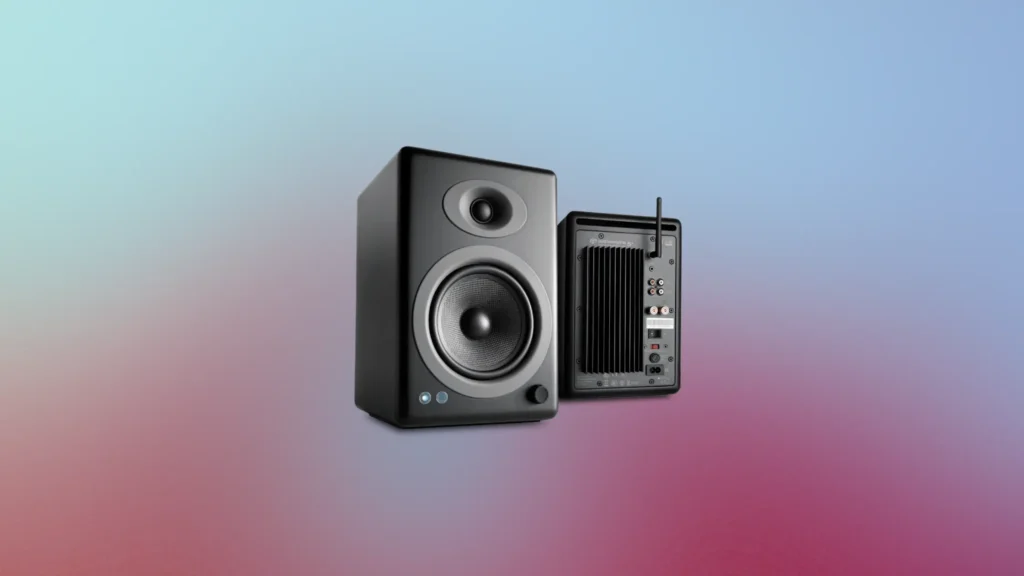
Audioengine A5+
Specs at a Glance
| Specification | Detail |
|---|---|
| Configuration | 2.0 powered bookshelf speakers |
| Drivers | 5-inch Kevlar woofer, 20mm silk dome tweeter |
| Power | 50W per channel |
| Inputs | Stereo RCA (with cables), 3.5mm aux |
| Subwoofer Output | Yes, via RCA outputs |
| USB Port | Yes, for device charging only |
| Remote | Included, controls volume and sleep |
| Auto-Sleep | Yes, activates after approximately 10 minutes idle |
| Speaker Connection | Standard speaker wire between left and right |
| Colors | Black, white, bamboo |
Reasons to Buy
- 50W per channel provides serious volume headroom that fills rooms comfortably without distortion
- Standard speaker wire connection between left and right speakers allows custom cable lengths and placement flexibility
- Subwoofer output enables future expansion of the system with a dedicated subwoofer when desired
- 5-inch Kevlar woofer delivers deep, tight bass that punches well above what compact speaker competitors manage
- Magnetically shielded design eliminates interference from nearby smartphones and devices during gaming
- Included remote provides volume control and sleep function without requiring software
- Available in three finishes including a premium bamboo version for design-conscious setups
Reasons to Avoid
- Both inputs are always active simultaneously, which requires manually muting unused sources when switching
- No Bluetooth connectivity limits wireless device connectivity compared to every other speaker in this guide
- Premium pricing reflects the bookshelf speaker quality inside but requires a proportionate budget commitment
- Large physical footprint compared to compact gaming-oriented speakers, resembling studio monitors more than typical PC speakers
The Best Computer Speakers for Gaming With Audiophile Pedigree
Bookshelf Speaker Performance on a Desktop
An Underrated Practical Advantage
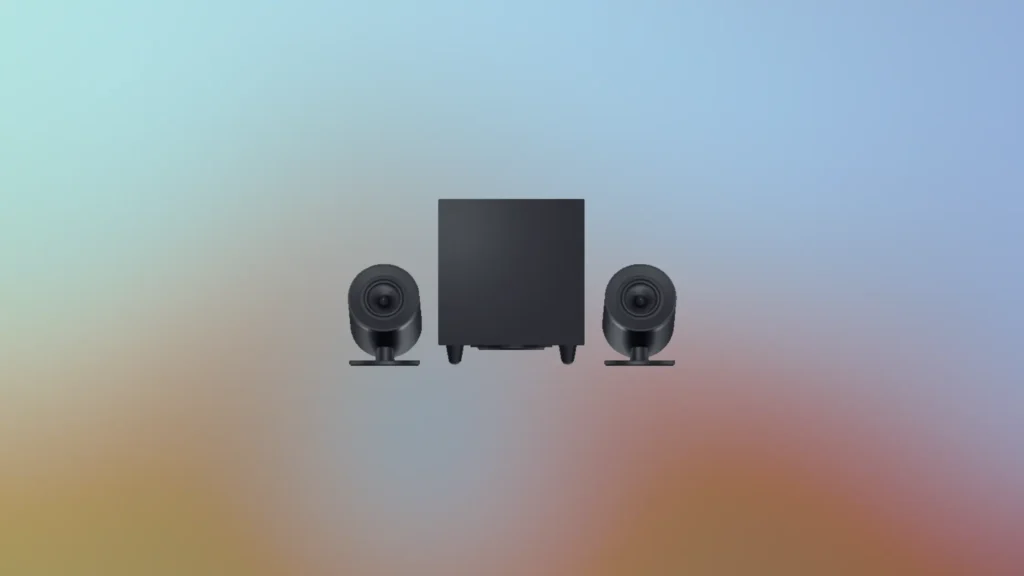
Razer Nommo V2 Pro
Specs at a Glance
| Specification | Detail |
|---|---|
| Configuration | 2.1 with wireless subwoofer |
| Satellite Drivers | 3.2-inch full-range drivers per channel |
| Subwoofer Driver | 5.5-inch bass driver, down-firing |
| Frequency Response | 40Hz to 20,000Hz |
| Connectivity | USB-C wired, Bluetooth 5.3 |
| RGB | Rear-projection ambient RGB on satellite speakers |
| Control | Wireless control pod (included), Razer Synapse software |
| Wireless Sub | Yes, automatic pairing |
| THX Profiles | Yes, game-specific profiles at launch |
| Stand Angle | Fixed 20-degree upward angle |
Reasons to Buy
- THX Spatial Audio processing delivers convincing positional sound that can fool even animals with its accuracy
- Wireless subwoofer eliminates cable clutter while delivering deep, physical bass for gaming and music
- Rear-projection RGB creates immersive ambient lighting that responds to on-screen content in supported modes
- Wireless control pod provides volume, mute, play/pause, and track control without software
- Frequency response extends to 40Hz for meaningful sub-bass presence that physical gaming impacts benefit from
- Fixed 20-degree upward angle on satellite stands directs drivers toward ear level for improved high-frequency clarity
- Ambient awareness RGB mode reflects screen colors onto the wall behind for full room immersion
Reasons to Avoid
- Only USB-C and Bluetooth inputs significantly limit connectivity for users with multiple source devices
- Highly directional audio means moving away from the sweet spot noticeably reduces sound quality and impact
- Razer Synapse software required for EQ adjustments and subwoofer level control, with reliability concerns noted in testing
- Premium pricing is difficult to justify relative to the audio performance compared to alternatives at lower prices
- No physical controls on the speaker bodies, making you dependent on the control pod or software for all adjustments
The Best Computer Speakers for Gaming With Immersive Directional Audio
Directional Gaming Sound That Actually Works
The Wireless Subwoofer Advantage
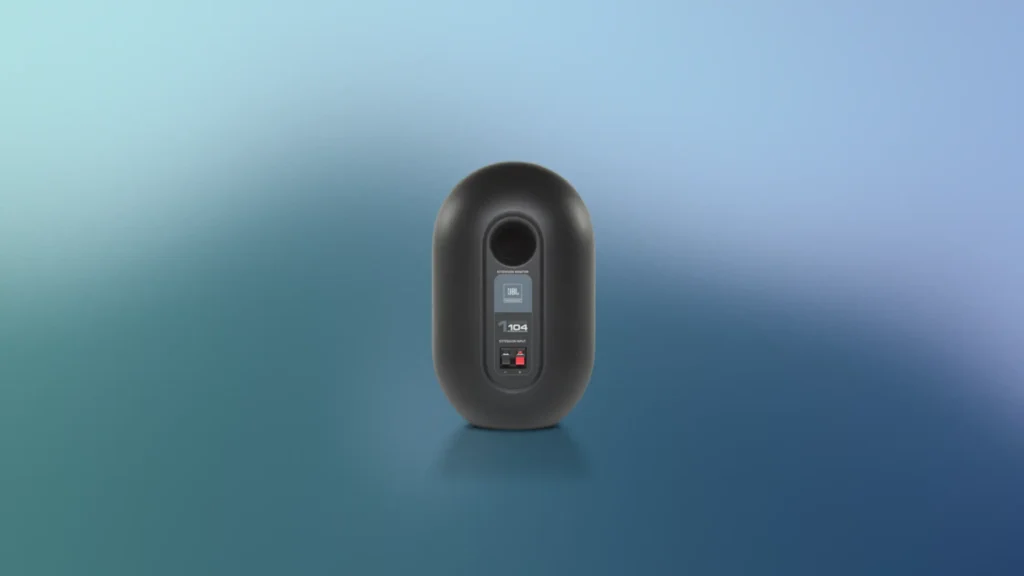
JBL Professional 1 104-BT
Specs at a Glance
| Specification | Detail |
|---|---|
| Configuration | 2.0 active and passive pair |
| Drivers | 12cm low-frequency driver, 20mm soft dome tweeter per speaker |
| Power | 60W combined Class D amplification |
| Frequency Response | 60Hz to 20kHz |
| Connectivity | Bluetooth 5.0, RCA, 3.5mm, balanced TRS |
| Headphone Output | Yes, front panel on active speaker |
| Input Selection Dial | Yes, front panel |
| Speaker Connection | Standard speaker wire |
| Colors | Black or white |
Reasons to Buy
- Balanced TRS inputs accommodate professional audio interfaces for studio-quality source connection
- Front-panel input selection dial makes switching between multiple sources quick and convenient
- Front-facing 3.5mm input for quick device connection alongside rear panel professional inputs
- 60W Class D amplification delivers efficient, clean power without excessive heat generation
- JBL's professional reference monitor heritage brings production pedigree to an affordable desktop option
- Standard speaker wire between active and passive speakers allows flexible placement distance
- Headphone output on the active speaker for private listening directly from the speaker system
Reasons to Avoid
- Loses some sparkle and energy at lower volume levels, making higher volumes more rewarding but less neighbor-friendly
- 60Hz frequency response floor misses the deepest bass frequencies that gaming explosions and music bass lines occupy
The Best Computer Speakers for Gaming on a Mid-Range Budget
JBL Professional Heritage in a Desktop Package
Front Panel Convenience for Gaming Desk Setups
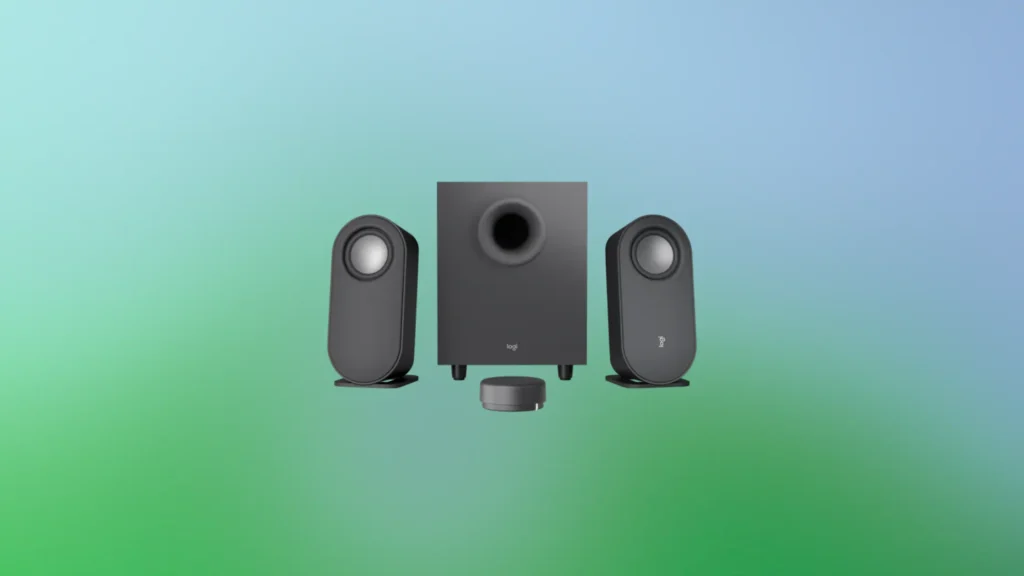
Logitech Z407
Specs at a Glance
| Specification | Detail |
|---|---|
| Configuration | 2.1 with subwoofer |
| Satellite Drivers | Approximately 2.3-inch per channel |
| Subwoofer Driver | Approximately 5-inch down-firing |
| Power | 10W per satellite, 20W subwoofer |
| Connectivity | 3.5mm aux (cable included), USB audio, Bluetooth 5.0 |
| Remote | Wireless desktop dial controller included |
| Stand Options | Vertical with angled positioning or horizontal |
| Sub Connection | Semi-hardwired RCA from satellite speakers to subwoofer |
| Battery | 2x AAA for remote (included) |
Reasons to Buy
- Wireless desktop remote dial provides intuitive volume control without software at an accessible price tier
- Flexible satellite speaker stands allow vertical angled positioning or horizontal mounting for any desk setup
- Driver placement at the top of vertical satellites correctly aligns with ear level for improved high-frequency accuracy
- Bluetooth 5.0 wireless connectivity supports mobile devices alongside wired PC connection
- Subwoofer adds genuine low-frequency presence that makes gaming impacts and music bass more physical
- Remote source switching button toggles between Bluetooth and wired sources without physical cable changes
Reasons to Avoid
- Subwoofer approaches distortion at maximum volume on bass-heavy tracks, requiring restraint at top levels
- Hard-wired satellite speaker cables are on the short side and may dictate placement more than desired
- Subwoofer is more accurately a woofer than a true sub-bass driver and does not reach the deepest frequencies
The Best Budget Computer Speakers for Gaming With a Subwoofer
Desktop Convenience Done Right
Subwoofer Impact for Gaming at a Budget Price
Which Are the Best Computer Speakers for Gaming for You?
With five outstanding options covering the full range from budget-accessible to audiophile-grade, the right choice for your setup depends on your priorities, available budget, and what you value most in a gaming audio experience.
| Your Priority | Best Computer Speakers for Gaming |
|---|---|
| Best overall audio quality and professional connectivity | Edifier MR5 |
| Best audiophile bookshelf sound for gaming and music | Audioengine A5+ |
| Best gaming-specific directional audio and immersion | Razer Nommo V2 Pro |
| Best mid-range versatility with professional inputs | JBL 104-BT |
| Best budget entry with subwoofer bass | Logitech Z407 |
For most buyers who want the single best computer speakers for gaming that deliver genuinely impressive audio across gaming, music, and everyday listening without forcing compromises in any specific area, the Edifier MR5 is the most complete recommendation. Its three-way driver configuration, 110W of combined power, Bluetooth 6.0 with LDAC, professional XLR and TRS connectivity, and feature-rich companion app combine to create a desktop speaker system that punches well above its price tier in every meaningful category.
For audiophile purists, the Audioengine A5+ remains one of the most respected desktop speaker systems available regardless of intended use. For dedicated gaming setups where immersion and directional audio are the top priorities, the Razer Nommo V2 Pro delivers an experience tailored specifically to gaming. For mid-range buyers who need professional input flexibility, the JBL 104-BT covers the most connection types at its price. And for buyers taking their first step away from built-in computer audio, the Logitech Z407 provides the most complete upgrade for the least investment.
Whatever your gaming setup and budget, these best computer speakers for gaming options give every type of buyer a genuinely capable and satisfying audio experience that makes games sound the way their developers intended. Don’t forget to check out Best Gaming Headset for under $150 that you could buy today.