Finding the best PC gaming mic that delivers genuinely professional sound quality has never been more achievable without spending a fortune. The PC Gaming Mic market in 2026 spans an impressive range from plug-and-play budget options under sixty dollars to premium studio-grade condensers that rival professional recording equipment, all designed to work seamlessly with a gaming PC setup. Whether you are streaming to an audience, recording a podcast, jumping into voice chat with teammates, or creating YouTube content, the right PC gaming mic transforms how you sound to everyone listening.
In this guide we have broken down the six best PC gaming mic options available today, drawing from hands-on reviews published by Tom’s Hardware, The Podcast Host, and Homebrew Audio, so you can make a confident and well-informed decision.
Why Your PC Gaming Mic Matters More Than You Think
A poor quality PC Gaming Mic does not just affect how you sound to your audience or teammates, it affects how seriously people take your content, how comfortable your communication feels in multiplayer sessions, and how professional your overall streaming or podcasting setup appears.
Modern USB microphones have closed the gap with traditional XLR studio mics significantly, and many options today deliver genuinely impressive audio quality straight out of the box without requiring an audio interface, mixer, or any technical knowledge. Choosing the right pc gaming mic means matching the microphone’s capabilities to your actual use case, whether that is competitive gaming, content creation, podcasting, or professional broadcasting.
Best PC Gaming Mic in 2026
| Microphone | Type | Connectivity | Sample Rate | Polar Patterns | Best For |
|---|---|---|---|---|---|
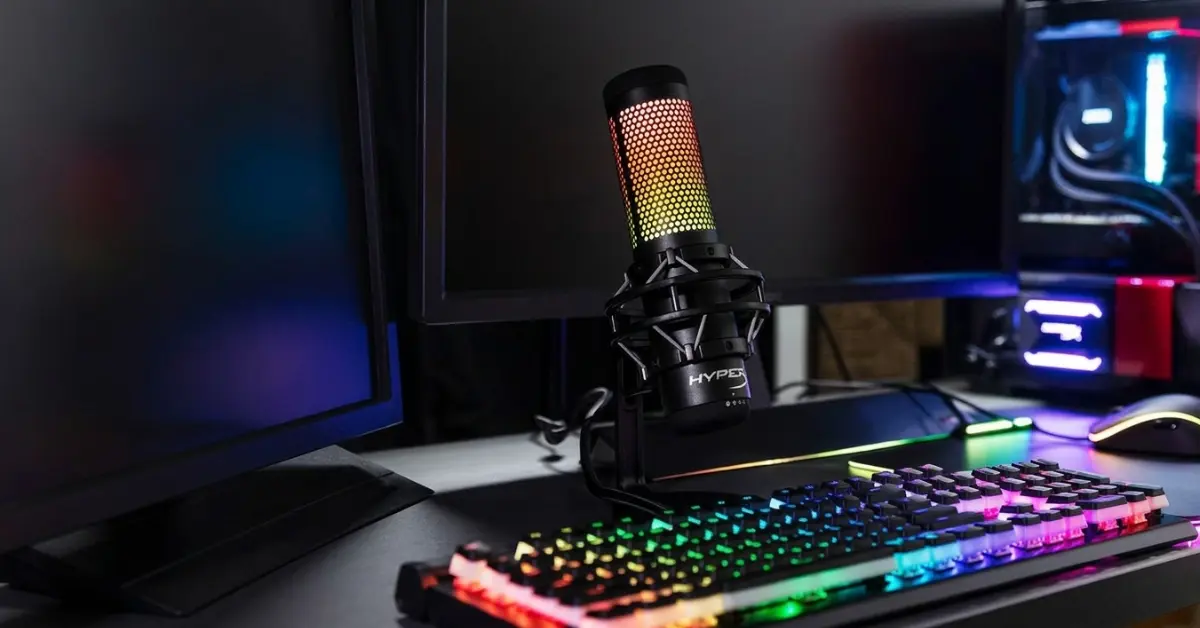
| HyperX QuadCast 2 S | Condenser | USB-C | 192kHz / 32-bit | 4 selectable | RGB gaming streamers |
| Shure MV7+ | Dynamic | USB-C and XLR | Not specified | Cardioid | Professional podcasters |
| RØDE NT-USB+ | Condenser | USB-C | 24-bit / 48kHz | Cardioid | Studio-grade USB recording |
| Logitech Blue Yeti | Condenser | USB | 48kHz | 4 selectable | Versatile all-around use |
| FIFINE K688 | Dynamic | USB-C and XLR | Not specified | Cardioid | Budget-friendly beginners |
| HyperX SoloCast 2 | Condenser | USB-C | 24-bit / 96kHz | Cardioid | Budget plug-and-play gaming |
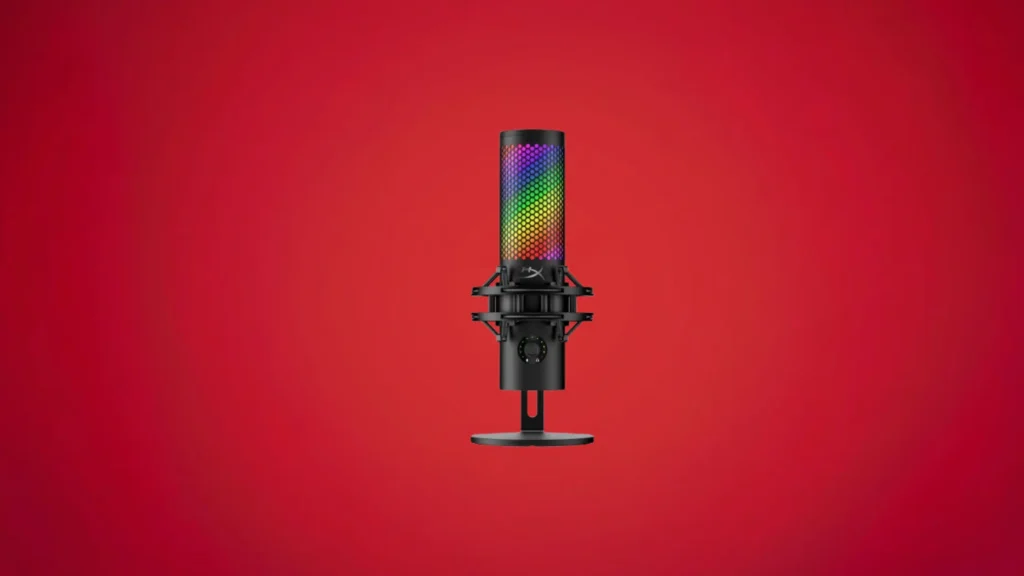
HyperX QuadCast 2 S
Specs at a Glance
| Specification | Detail |
|---|---|
| Capsule | 3x 14mm electret condenser |
| Frequency Response | 20Hz to 20,000Hz |
| Polar Patterns | 4: cardioid, omnidirectional, bidirectional, stereo |
| Sample Rate | 192kHz / 32-bit |
| Connectivity | USB-C, 3.5mm headphone monitoring |
| Tap to Mute | Yes, touch-sensitive top button |
| Shock Mount | Yes, easily removable via spring-loaded pins |
| Software | HyperX Ngenuity |
| Cable | 9.8-foot braided USB-C to USB-A |
| Weight | 12.16oz mic only, 17.21oz with shock mount |
Reasons to Buy
- Tom's Hardware confirms it sounds great out of the box with crisp, warm, and clear vocal reproduction
- Tap-to-mute feature on top of the mic is one of the most convenient and well-implemented available
- Four selectable polar patterns including cardioid, omni, bidirectional, and stereo for versatile recording
- Redesigned shock mount attaches and detaches via spring-loaded pins for easy removal and replacement
- Intuitive on-mic light ring displays active polar pattern direction visually for immediate confirmation
- VU meter ring around the control knob shows input levels in real time during recording
- Fully customizable aRGB lighting with numerous presets through HyperX Ngenuity software
- Multi-function knob controls gain, monitor volume, and playback mix from the front of the mic
Reasons to Avoid
- 192kHz / 32-bit resolution is overkill for streaming and gaming, adding unnecessary cost over the base QuadCast 2
- Ngenuity software is lightweight and primarily useful for lighting customization rather than audio processing
- Built-in pop filter handles light plosives but an external one is recommended for cleaner recordings
Four Polar Patterns
The QuadCast 2 S stands out from most competing pc gaming mic by offering four selectable polar patterns, which is a meaningful feature advantage at its price tier. The cardioid pattern is the standard choice for solo recording and streaming, capturing sound from directly in front while rejecting noise from the sides and rear. Omnidirectional mode captures sound from all directions simultaneously, making it ideal for recording a roundtable conversation or room ambiance.
Bidirectional mode captures front and rear while rejecting the sides, which is the natural choice for two-person podcast interviews using a single mic. Stereo mode creates a wider spatial sound field that suits musical instrument recording. For a gaming mic that doubles as a content creation tool, having all four patterns available provides flexibility that single-pattern alternatives cannot match.
The Tap-to-Mute Feature That Sets a Standard
The 192kHz Reality Check
Best for: Streamers, content creators, and gaming broadcasters who want a visually impressive RGB microphone with excellent out-of-the-box sound, versatile polar patterns, and convenient hands-on controls.
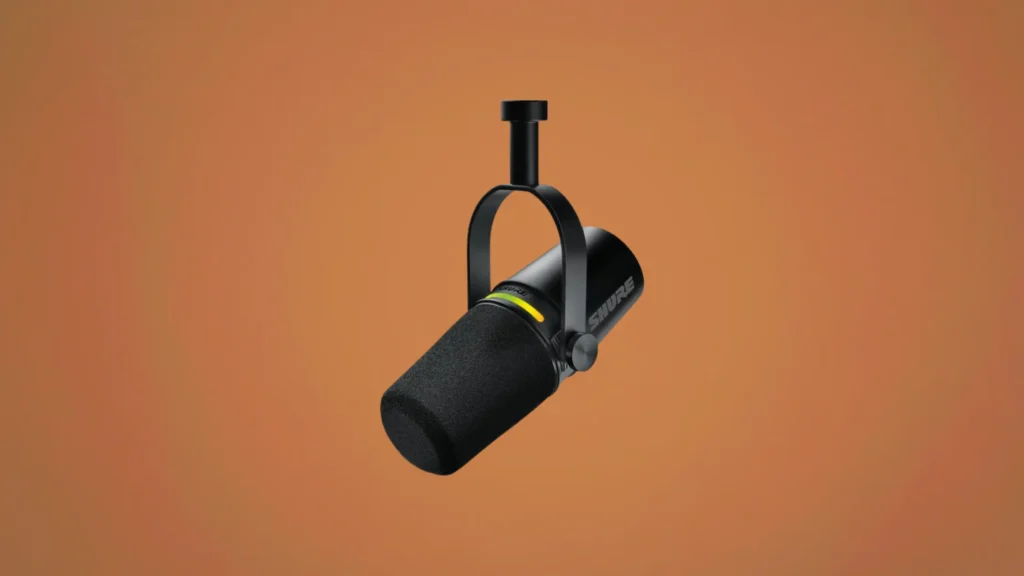
Shure MV7+
Specs at a Glance
| Specification | Detail |
|---|---|
| Type | Dynamic |
| Connectivity | USB-C and XLR dual connectivity |
| Polar Pattern | Cardioid |
| Headphone Jack | 3.5mm on microphone body |
| Tone Profiles | Dark, Natural, Bright (USB mode) |
| DSP Features | Popper Stopper, compression, noise reduction, EQ |
| Software | Shure Mix (desktop) |
| Stand | Swing stand included |
| Phantom Power | Not required |
| Mobile Support | Not available at current firmware stage |
Reasons to Buy
- Dual USB-C and XLR connectivity provides genuine flexibility for current and future studio setups
- Auto-level feature delivers healthy recording levels of minus 24 LUFS consistently without manual adjustment
- Popper Stopper DSP feature effectively reduces plosive sounds in USB mode
- Three tone profiles allow voice shaping at the recording stage without post-processing
- Dynamic capsule naturally rejects background noise making it forgiving in non-treated recording spaces
- Noise reduction spectral analysis shows excellent background rejection even without software processing
- Competitive pricing against other dual-connectivity USB-XLR microphones at its performance tier
- Proven Shure build quality and reliability backed by one of the most respected audio brands in the industry
Reasons to Avoid
- Shure Mix software feels like it needed more time before public release and is less intuitive than its predecessor
- XLR mode requires nearly 80% gain on most interfaces before introducing distortion without a cloud lifter
- No mobile device support currently, a step back from the original MV7
- DSP features are only accessible in USB mode, limiting the XLR use case significantly
- USB-C connectivity issues with adapters and hubs require a direct USB-C port connection for full functionality
Dynamic Microphone Advantages for Gaming Environments
The Three Tone Profiles in Practice
The Reality You Need to Know
Best for: Podcasters, professional broadcasters, and content creators who want a broadcast-quality dynamic microphone with USB convenience today and XLR expandability for the future.
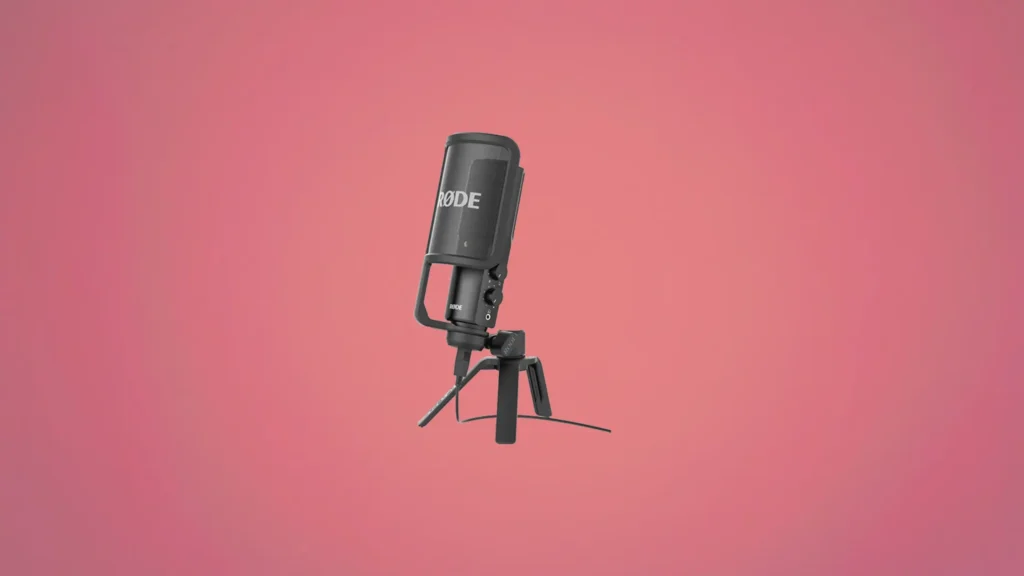
RØDE NT-USB+
Specs at a Glance
| Specification | Detail |
|---|---|
| Type | Large diaphragm condenser |
| Connectivity | USB-C |
| Sample Rate | 24-bit / 48kHz |
| Frequency Response | 20Hz to 20kHz |
| Polar Pattern | Cardioid |
| Headphone Amp | Built-in with 3.5mm jack |
| Mix Control | Hardware dial for mic and playback balance |
| DSP Features | Compressor, EQ, noise reduction, sound presets |
| Software | RØDE Connect, RØDE Central, RØDE Reporter |
| Included | Desktop stand, pop filter pre-attached |
Reasons to Buy
- Homebrew Audio confirms this mic sounds incredible, with audio quality comparable to much more expensive XLR mics
- 20Hz to 20kHz full frequency response captures the complete range of the human voice with exceptional clarity
- Built-in headphone amplifier with zero-latency monitoring allows real-time voice monitoring during recording
- Hardware mix control dial balances microphone input and computer audio playback without software
- DSP processing including compressor, EQ, and noise reduction available through RØDE's software ecosystem
- Large diaphragm condenser design captures voice with exceptional warmth, detail, and presence
- Compatible with Android devices directly via USB-C for on-the-go mobile recording
- No background hiss, which is the primary complaint with most competing USB condenser microphones
Reasons to Avoid
- iOS connectivity requires specific cables or adapters beyond what is included in the box
- Windows desktop computers can introduce static noise through the headphone monitoring output
- Tripod desk stand positions the mic lower than ideal for most setups, requiring a boom arm for optimal placement
The Noise Floor Problem Solved
Built-in Hardware Controls That Matter
Full DSP Suite Through RØDE Software
Best for: Serious content creators, podcasters, voiceover artists, and streamers who want the closest USB microphone experience to a professional studio condenser recording chain.
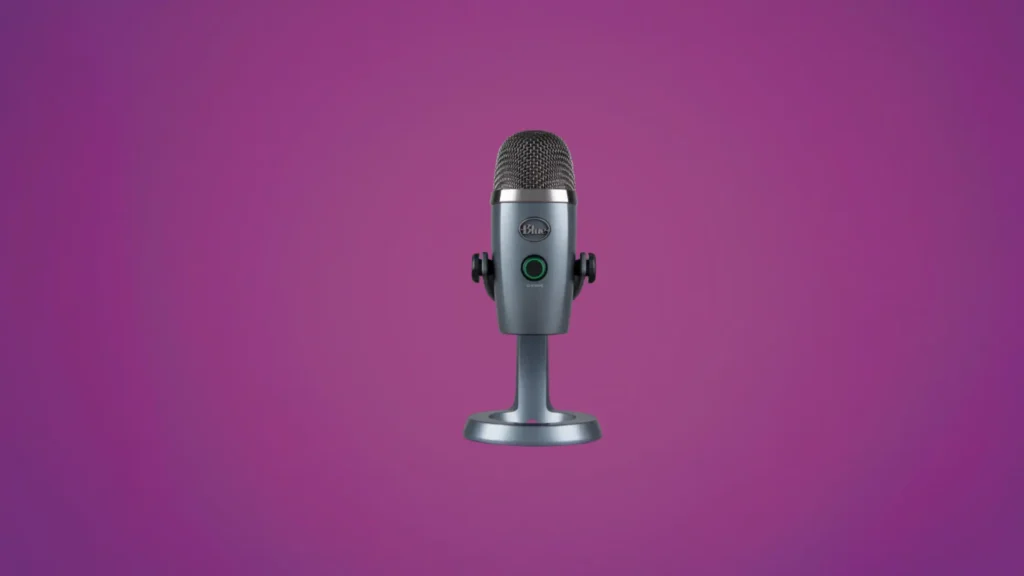
Logitech Creators Blue Yeti
Specs at a Glance
| Specification | Detail |
|---|---|
| Type | Condenser |
| Connectivity | USB |
| Sample Rate | 48kHz |
| Frequency Response | 20Hz to 20kHz |
| Polar Patterns | 4: cardioid, omnidirectional, stereo, figure 8 |
| Gain Knob | Yes, on rear of microphone |
| Headphone Jack | 3.5mm zero-latency monitoring |
| Mute Button | Yes, front-facing |
| Volume Dial | Yes, front-facing |
| Stand | Desktop stand included |
Reasons to Buy
- Four polar patterns including cardioid, omnidirectional, stereo, and figure 8 for maximum recording versatility
- Hardware gain knob on the rear provides direct sensitivity adjustment without opening any software
- Front-facing mute button and volume dial provide immediate hands-on control during live sessions
- Zero-latency headphone monitoring through 3.5mm jack allows real-time voice monitoring
- Proven long-term reliability confirmed by users who have owned the mic since 2017 without issues
- Works as a true plug-and-play device with no software installation required for basic operation
- Compatible with standard universal microphone stands via thread mount for boom arm flexibility
- The most widely used and recognized USB microphone available, with extensive community support
Reasons to Avoid
- Tends to pick up more background noise than dynamic microphones in untreated recording environments
- Stand disassembly involves numerous washers and bushings that make mounting on a boom arm unnecessarily complicated
- Sound character can lean cold and sterile compared to microphones with warmer tonal profiles
- Older USB-A connector rather than the more modern USB-C standard found in newer competing microphones
Four Polar Patterns and When to Use Each
The Blue Yeti’s four polar patterns make it one of the most flexible USB microphones available for pc gaming mic and content creation purposes. Cardioid mode is the default for solo gaming, streaming, and podcasting, focusing on the speaker directly in front while minimizing side and rear noise. Omnidirectional mode captures sound from all directions equally, which works well for recording a group conversation around a table or capturing room ambiance for creative projects.
Stereo mode creates a natural left-right image ideal for recording acoustic instruments or music with spatial depth. Figure 8 mode captures front and rear simultaneously while rejecting the sides, making it excellent for two-person interviews with a single microphone. Having all four options available in a single device removes the need to purchase multiple specialized microphones for different recording scenarios.
A Proven Track Record
The Background Noise Caveat
Best for: Content creators, streamers, podcasters, and gamers who want a proven, versatile, and reliable USB microphone with four polar patterns and a long track record of performance.
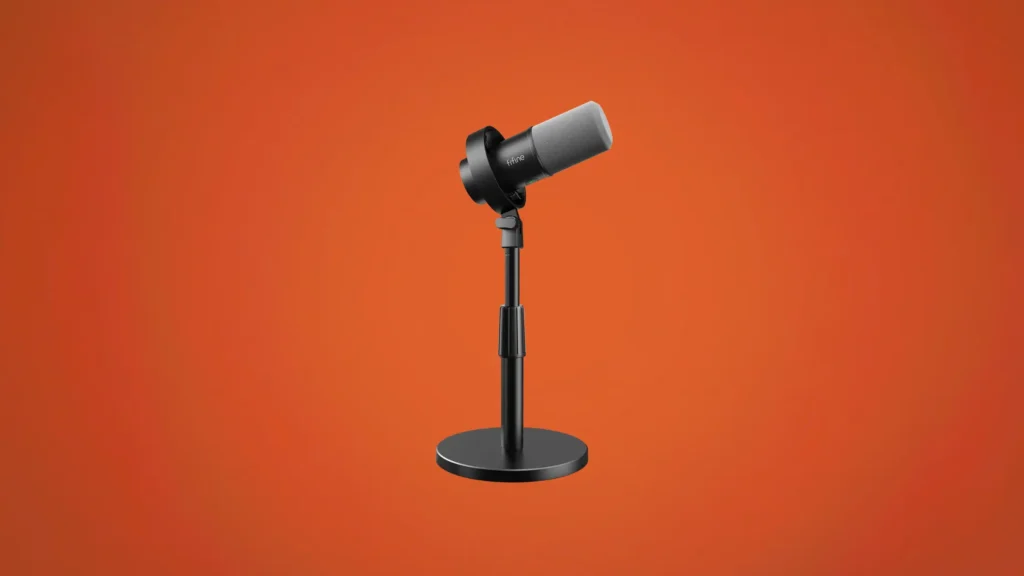
FIFINE K688
Specs at a Glance
| Specification | Detail |
|---|---|
| Type | Dynamic |
| Connectivity | USB-C and XLR dual connectivity |
| Frequency Response | 50Hz to 16kHz |
| Polar Pattern | Cardioid |
| Gain Knob | Yes, rear-facing |
| Headphone Volume | Yes, rear-facing knob |
| Mute Button | Yes, touch-sensitive on top |
| Shock Mount | Built-in |
| USB Cable Length | 8.2 feet |
| Phantom Power | Not required, incompatible |
Reasons to Buy
- Excellent value for money making it accessible for beginners exploring content creation
- Dynamic capsule naturally minimizes background noise better than competing budget condenser options
- Dual USB-C and XLR connectivity provides platform flexibility at an entry-level price
- Touch-sensitive mute button with green active and red muted indicator is intuitive and quick to use
- Included 8.2-foot USB cable provides ample reach for most desk and recording setups
- Built-in shock mount reduces vibration transfer from desk surfaces during recording
- Sturdy chunky metal body defies the budget price point with a solid and durable feel
- Truly plug and play in USB mode with no driver or software installation required
Reasons to Avoid
- Maximum output level felt quieter than expected even with both gain and headphone volume at maximum
- Frequency response of 50Hz to 16kHz does not capture the full range of lower frequencies limiting depth
- Gain and headphone volume knobs are positioned on the rear where they are difficult to see and adjust
- XLR connection offers no meaningful audio improvement over USB for this specific microphone
- Not suitable for professional voiceover work due to the limited frequency range
Dynamic Design for Noisy Home Environments
Plug and Play Simplicity as the Core Value Proposition
The Frequency Response Limitation to Understand
Best for: Budget-conscious beginners, students, casual streamers, and gamers who want a reliable and solid-feeling plug-and-play dynamic microphone at the most accessible entry-level price on this list.
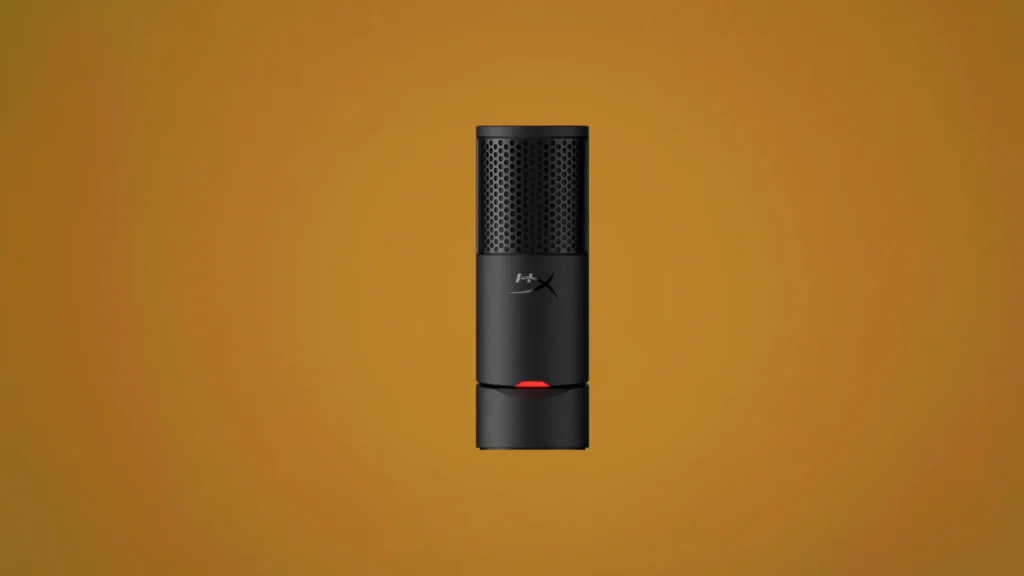
HyperX SoloCast 2
Specs at a Glance
| Specification | Detail |
|---|---|
| Capsule | 14mm electret condenser |
| Frequency Response | 20Hz to 20,000Hz |
| Polar Pattern | Cardioid |
| Sample Rate | 24-bit / 96kHz |
| Connectivity | USB-C |
| Tap to Mute | Yes, large surface on top |
| Built-in Stand | Yes, tilting integrated stand |
| Shock Mount | Internal |
| Cable | 6.5-foot USB-C to USB-A |
| Software | HyperX Ngenuity Beta |
Reasons to Buy
- Tom's Hardware confirms impressive performance for a sixty dollar microphone
- Tap-to-mute button is a genuinely essential feature for gaming and streaming use cases
- Clever integrated tilting stand eliminates the need for a separate desktop stand purchase
- 24-bit / 96kHz recording quality delivers studio-level specifications at a budget price
- Full frequency response of 20Hz to 20kHz captures the complete vocal range
- Compatible with 3/8" and 5/8" threaded boom arms and mic stands for flexible positioning
- Non-skid rubber base prevents the microphone from sliding during intense gaming sessions
- Solid build with matte black metal grille feels substantially more premium than competing budget options
Reasons to Avoid
- Built-in stand positions the mic lower than ideal for comfortable close-proximity recording
- Internal shock mount and pop filter are on the weaker side and pick up desk movement and plosives easily
- No on-mic gain control requires opening Ngenuity software to adjust input sensitivity
- Ngenuity Beta software settings do not save to the microphone, requiring the app to be running for DSP features to work
- Red indicator light means recording rather than muted, which is counterintuitive for users of other gaming peripherals
The Integrated Stand
Tap-to-Mute as an Essential Gaming Feature
Best for: Budget-focused gamers, casual streamers, and students who want a clean-looking, sturdily built plug-and-play USB microphone with tap-to-mute convenience at the most accessible price point on this list.
Final Verdict
With six pc gaming mic covering every use case from casual gaming communication to professional broadcast-quality recording, the right choice depends entirely on how you plan to use your microphone and how seriously you take your audio quality.
| Your Priority | Best PC Gaming Mic |
|---|---|
| Best overall for streamers and RGB setup | HyperX QuadCast 2 S |
| Best professional broadcast and podcast quality | Shure MV7+ |
| Best studio-grade USB audio quality | RØDE NT-USB+ |
| Best versatile all-round option | Logitech Blue Yeti |
| Best budget dynamic for noisy environments | FIFINE K688 |
| Best simple budget plug-and-play option | HyperX SoloCast 2 |
For the majority of content creators and streamers who want the best overall balance of audio quality, features, and visual appeal in a single pc gaming mic package, the HyperX QuadCast 2 S is the most complete recommendation. It delivers excellent out-of-the-box audio, four polar patterns, a genuinely convenient tap-to-mute, and the best RGB lighting system available in any gaming microphone today.
For buyers who prioritize pure audio quality above all else, the RØDE NT-USB+ delivers a studio condenser experience in a USB package that has no real peer at its price. And for those just starting out who want a reliable upgrade from no microphone at all, the FIFINE K688 and HyperX SoloCast 2 both deliver genuinely impressive performance at accessible entry-level prices.
For complete hands-on audio testing and additional benchmark context, both Tom’s Hardware’s microphone review coverage and The Podcast Host’s equipment guides are excellent resources to consult before making your final purchasing decision. Found your Pc Gaming Mic match? Next you might want to check out our recommendation for best gaming headset under $150.